No robot? No problem
A lot of the people I meet are fascinated/intrigued by robots. Before paying for your own, you might first want to explore interacting with them virtually. Since Pollen Robotics "Reachy Mini Control" app came out a few weeks ago, I kept recommending it. Let me show you what it is and how it works.
The app lets you play with a virtual* robot directly on your laptop. If you decide to buy a Reachy Mini later on, the same app can be used to control your physical one. This makes getting started with robots much easier than before.
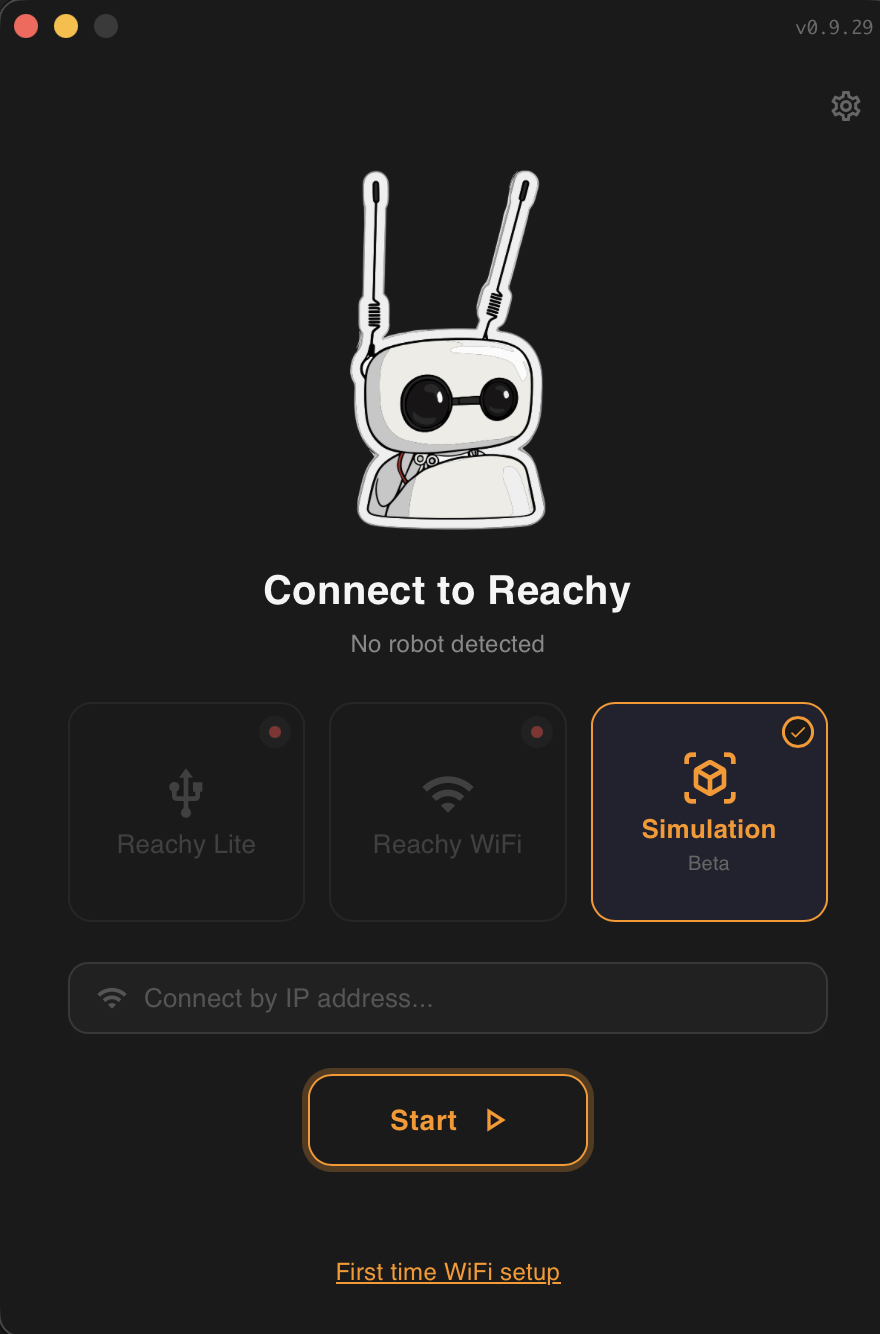
You can download the app from the Hugging Face website. Once installed, open it. If you don't yet have a physical Reachy Mini, your only option is "Simulation" mode, as shown above. Press start. The app will download everything it needs to run on your laptop, which can take a few minutes the first time.
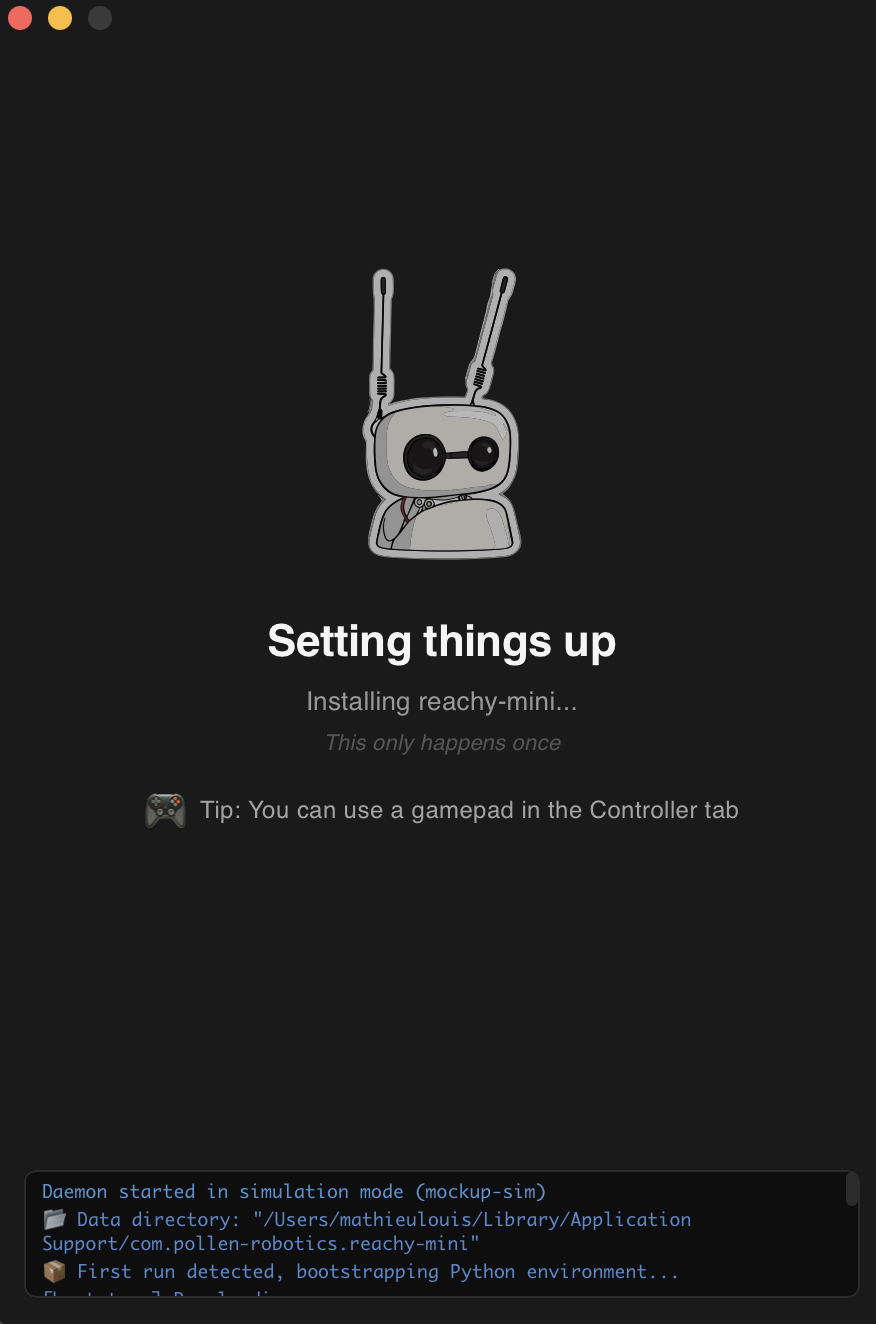
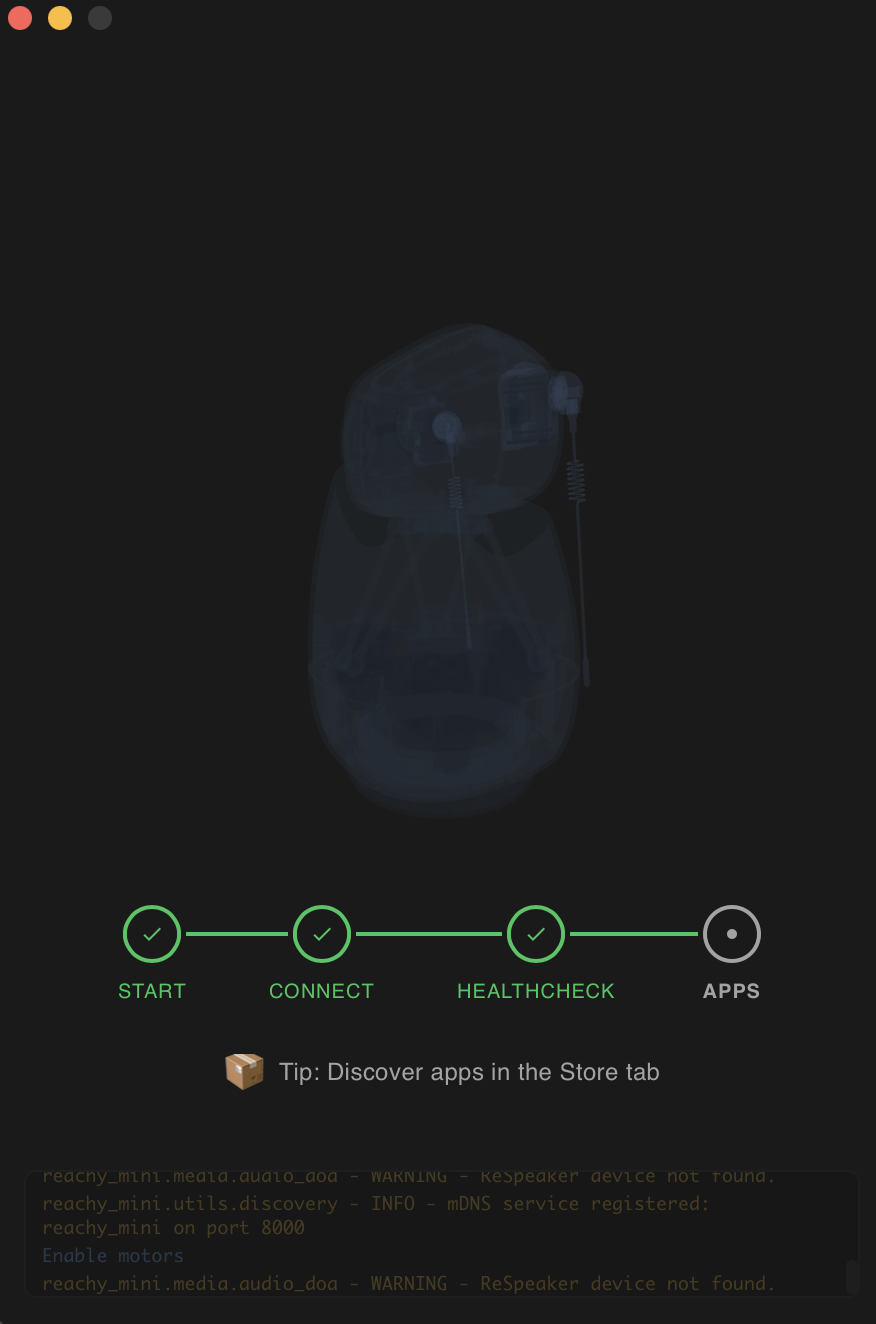
Once done, you land in the simulation environment.
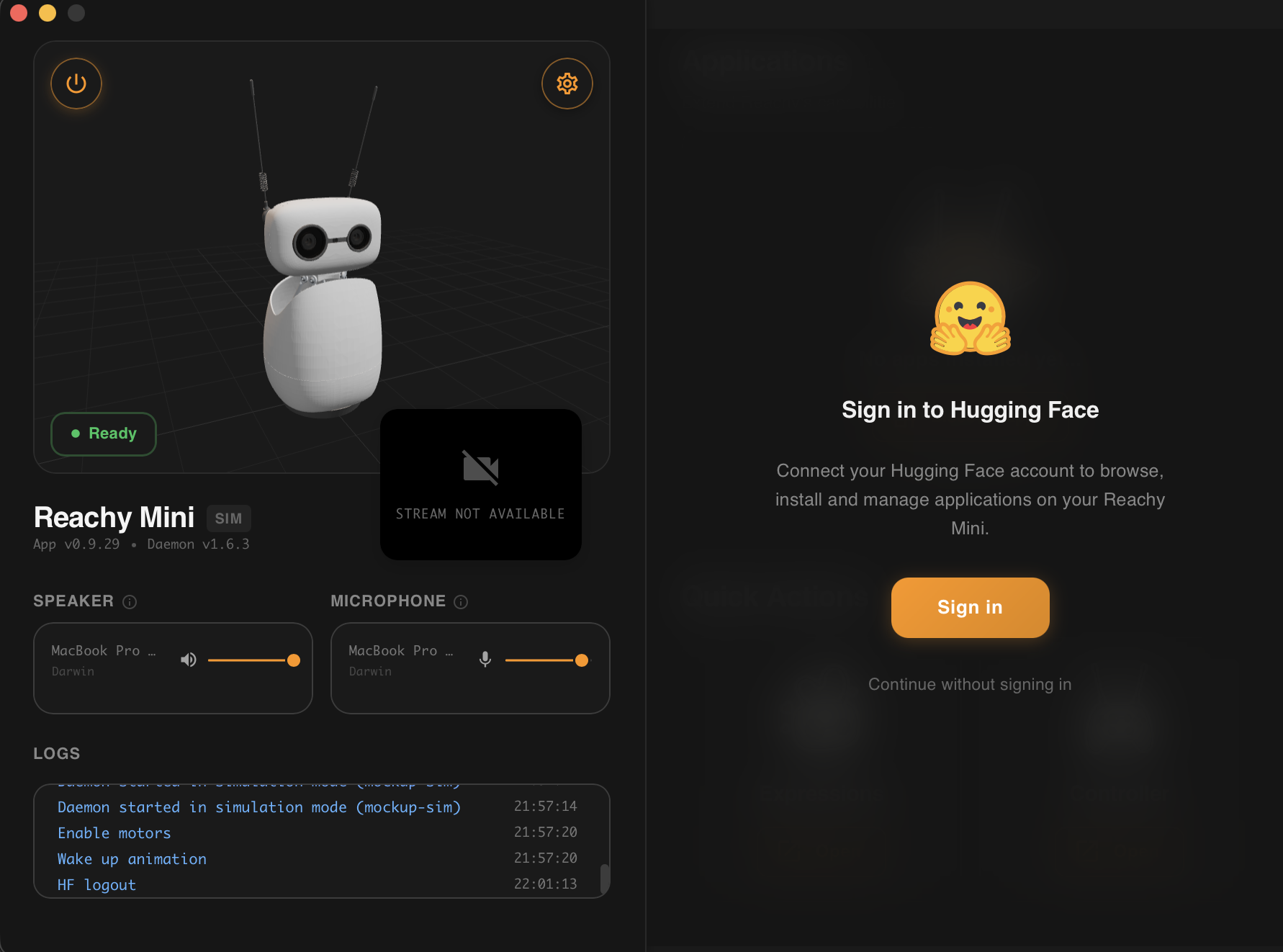
You can continue without a Hugging Face account, or create one (it is free) and log in. I do not yet know if there are any limitations for people without an account. Let me know if you run into any.
And that's it. You are now the proud owner of a virtual Reachy Mini! Pretty cool, right?
Want to see your virtual robot move? Go to the "Quick Actions" panel on the bottom right, click the emotions button, pick one, and listen to Reachy (put the sound on). Looks simple? It's just as simple with a physical robot.
One last thing. To download and use apps, open the app library through the "Discover apps" button. You will find hundreds of apps already available. When you see one that looks interesting, download it. A few seconds later, you can launch it and play around. Have fun!
Please let me know what you end up doing with your (virtual) Reachy. And if you have ideas for new apps, I'd love to know what you have in mind and maybe help to make one.
The pace of innovation in robotics is insane, and there is plenty to share. Every week, researchers push new boundaries, and new tools are landing for curious non-technical people. There has never been a better time to get into the field. To really appreciate where we are, it helps to know where we come from. In the next post, I will look back at some of the initial challenges of robotics.
*A simulator is software that reproduces the physical behaviour of a robot, including its motors, its sensors, and the world around it. Roboticists use simulators all the time: they make experimentation safe (no broken hardware), and they let a robot practice a task thousands of times faster than it could in the real world. Going from a simulator to a physical robot is trickier than it sounds, and a topic we will come back to in a future post.